Introducing nui
A self-hosted agent runtime — built for cost control and open-weight models.
Frontier coding agents are extraordinary. They are also expensive. Token bills climb, hosted UIs lock you into one vendor, and the moment you want to try an open-weight model for the same workflow, you are back in a different terminal with a different UX.
nui is a self-hosted agent runtime: define agents declaratively in ADL, run them on any harness or model, and reach them from a web UI, the CLI, a REST/AG-UI API, or MCP. Install a single binary, run nui server, and open the browser — or drive the same agents headlessly. Use Claude Code, pi, codex, opencode, or Antigravity when the task needs a premium CLI. Switch to OpenRouter or local Ollama models when it does not. Same agent definition, same sessions, same extensions — pick the model that fits the job, not the invoice.
nui is open source (MIT) and available today.
Why now
The industry is shifting. Teams are routing more work to open-weight models, local inference, and cheaper multi-provider APIs. Cost is a first-class constraint again — not just latency or quality.
Most agent tooling still assumes the opposite: one cloud, one model family, one bill. nui starts from the opposite bet:
- Self-hosted runtime — your machine, your server, your data path (
~/.nui/). Not a multi-tenant SaaS. - Multi-harness — CLI tools and API providers behind one protocol; the UI is just one client.
- Open-weight ready — Ollama is a peer, not a side quest. OpenRouter makes cheaper and open models one click away.
- Composable — ADL agents, a platform-grade extension model, and MCP so you can build the stack you actually want.
Use frontier models when they earn their keep. Use open weights when they do not. Keep the same agent definition.
Access from anywhere
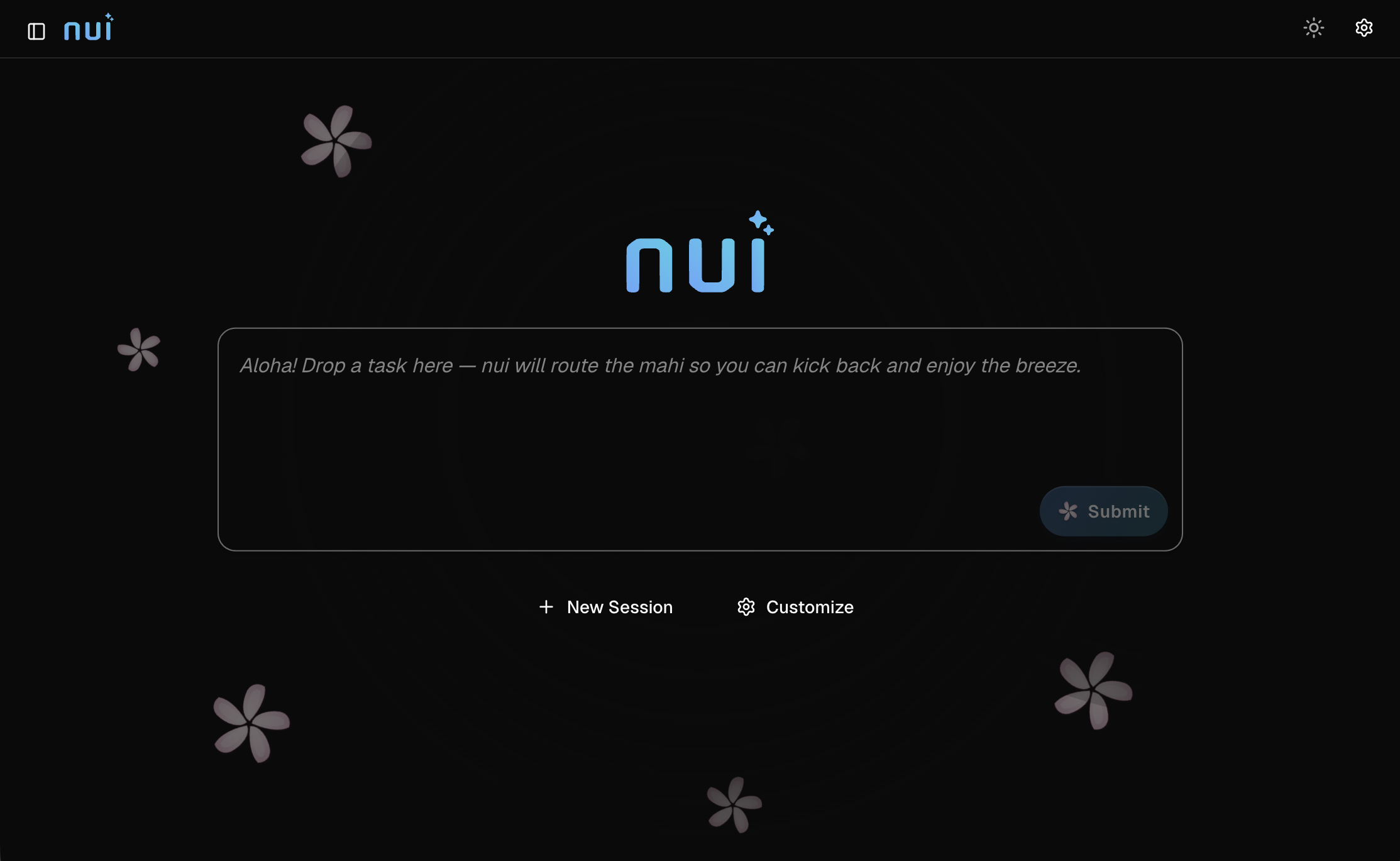
Type a task on the home screen and the built-in nui master agent routes it to a specialist — or open a session with any built-in or installed agent. Chat, attach files, use @ mentions for context, and switch between past sessions from the sidebar.
The web UI is not privileged: nui run, the REST/AG-UI API, and nui mcp all drive the same backend. Preferences persist across reloads. No juggling terminals. Same session model whether the backend is Claude Code or a local Ollama model.
Built-in agents
CLI agents:
- Claude Code
- pi
- codex
- opencode
- Antigravity
API agents (in-process; no separate CLI):
- Anthropic, OpenAI, Gemini
- OpenRouter — route across providers and price points from one agent
- Ollama — local and self-hosted open-weight models
That split is the cost story: keep premium CLIs for hard work, and keep OpenRouter / Ollama for everything else — drafts, triage, summarization, internal tools — without rewriting the agent.
Custom agents with ADL
Define your own agents in YAML with the Agent Definition Language (ADL). Pick a harness, set a system prompt, add skills and MCP servers, and optionally run in a sandbox, Docker, a dev container, or on a remote host.
Multi-step workflows, sub-agents, councils, per-step harness overrides, and eval test cases are part of the schema. Install with nui agent add, or build them in the UI. Portable agents can target different CLI harnesses so the same definition can ride a frontier CLI today and a cheaper path tomorrow.
Extensions
Extensions add harnesses, MCP servers, skills, HITL channels, storage backends, and deployers. Built-in harnesses use the same contribution path as third-party ones. Install from a local directory, zip file, or git URL:
nui extension add ./my-extension
nui extension add https://github.com/example/my-extension.git
Manage them from Settings → Extensions, or disable individually without uninstalling. If you don’t like how nui stores sessions or which harnesses exist, you don’t fork nui — you write an extension.
MCP in both directions
nui exposes itself as an MCP server — wire it into Cursor, Claude Desktop, or any MCP host and drive sessions programmatically (list_agents, create_session, run_agent, and more).
It also injects built-in MCP servers into harness subprocesses:
- Human-in-the-loop — approvals and
ask_userprompts - Visualization — inline charts in chat
- Agent memory — persistent memory updates
- Orchestrator — home-launcher routing for the
nuimaster agent
Remote HTTP MCP servers can authenticate with OAuth from Settings.
Sandboxing and isolation
Run agents unsandboxed on the host, or isolate them with bubblewrap (Linux), Docker, or dev containers. Sandbox level is an ADL field — the same YAML can describe a locked-down container or host execution by changing one line. Pair isolation with cheaper or open-weight agents when you want more automation without expanding blast radius.
Headless, schedules, and evals
Not everything needs a browser.
# Headless run (server must be running)
nui run -a claude-code -m "Review README" -w . --wait

# Auto-start server if needed
nui run -m "Summarize changes" -w . --spawn --wait
Use nui schedule for recurring jobs and nui agent eval to validate ADL agents against test cases in CI. Script the expensive path when you must; automate the cheap path when you can.
Install
Linux and macOS:
curl -fsSL https://nui.plmbr.dev/install.sh | sh
nui server --open
Windows:
irm https://nui.plmbr.dev/install.ps1 | iex
Or download a release binary from GitHub Releases. Full platform notes and agent prerequisites are in the install guide.
What’s next
nui is intentionally infrastructure you host yourself — an agent runtime with a platform-grade extension model, not another chat window for a single CLI. The same backend that powers the web UI today is designed so additional clients (IDE extensions for VS Code, Cursor, and JupyterLab) can sit on top without a new execution path. Star or watch github.com/plmbr/nui, file issues, and tell us what cost-sensitive or open-weight workflows you want first-class support for.