Self-hosted agent runtime
Define once. Run anywhere.
nui is a self-hosted agent runtime: define agents declaratively in ADL, run them on any harness or model — Claude Code, Codex, OpenCode, pi, Antigravity, hosted APIs, or free local models via Ollama — and reach them from a web UI, the CLI, or a REST/AG-UI/MCP API. Extensions add new harnesses, tools, and storage without touching nui's own code.
Built-in agents
Access anywhere
Web UI, CLI, API, and MCP — same backend.
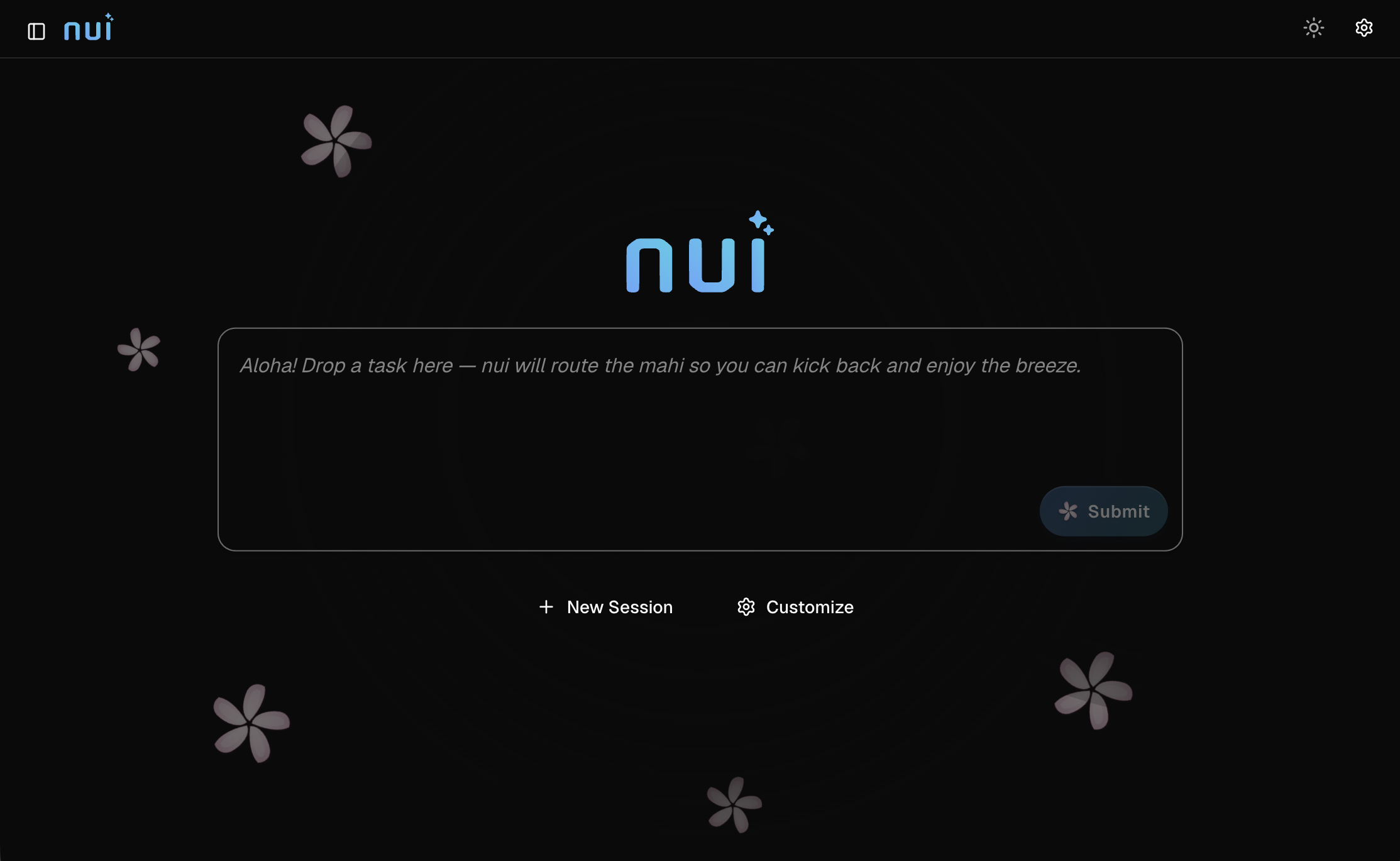
The chat UI is one client of the nui server, not a privileged one. Type a task on
the home screen and the nui master agent routes it to the right
specialist — or drive the same agents headlessly with nui run, over
REST/AG-UI, or as MCP tools from Cursor and Claude Desktop.
# Start the server and open the UI
nui server --open

# Launch with a specific agent and prompt
nui server -a claude-code -m "Review the README" -w . --open
Define in ADL
Declarative agents, workflows, councils, and evals.
Define custom agents in YAML with the Agent Definition Language — pick a harness, set a system prompt, compose workflows or sub-agents, and run locally, in sandboxes, Docker, or on remote servers. Same definition, swap the model for cost.
ADL and custom agents →name: Review Agent
harness:
type: claude-code
sandbox: none
systemPrompt: |
You are a code reviewer. List issues by severity and suggest fixes.Extend everything
Platform-grade extensions — without forking nui.
Install extensions via extension.yaml from a local dir, zip, or git URL.
Contribute harnesses, MCP servers, skills, HITL channels, storage backends, and
deployers. Built-in harnesses use the same contribution path as third-party ones.
nui extension add ./my-extension
nui extension add https://github.com/example/my-extension.git
MCP integration
Expose nui to Cursor, Claude Desktop, and other MCP hosts.
Run nui mcp to expose agent tools to external MCP clients. nui also
injects built-in MCP servers into harnesses for human-in-the-loop prompts,
inline visualizations, agent memory, and home-launcher routing.
{
  "mcpServers": {
    "nui": {
      "command": "nui",
      "args": ["mcp"],
      "env": { "NUI_URL": "http://127.0.0.1:8080" }
    }
  }
}
Operate like software
Headless runs, schedules, and evals.
Use nui run for headless agent execution against a running server.
Schedule recurring runs with nui schedule. Regression-test ADL agents
with nui agent eval — no browser required.
# Headless run (server must be running)
nui run -a claude-code -m "Review README" -w . --wait

# Auto-start server if not running
nui run -m "Summarize changes" -w . --spawn --wait
First run
Install and try it in two minutes.
Install the CLI with the one-liner below, or download the desktop app from GitHub Releases (it bundles the CLI and installs it on first launch).
curl -fsSL https://nui.plmbr.dev/install.sh | sh
- Install. Run the curl one-liner above, or grab the desktop package / CLI archive from GitHub Releases.
- Start. Run
nui server(listens on:8080), or open the desktop app. - Open the UI. Pick an agent and a working directory. nui creates a session on first launch.
- Chat. Send a prompt, attach files, or use
@mentions for context.